How Website Chatbots Help Local Businesses Generate Leads
A comprehensive guide to using AI website chatbots for lead generation. Learn how to convert passive traffic into structured inquiries for local businesses.
Many local businesses spend significant time, effort, and money driving traffic to their websites. They invest in local SEO, run Google Ads, maintain active social media profiles, and print flyers. But despite getting hundreds or thousands of views, they struggle with the most crucial step: getting those visitors to actually reach out and become a lead.
You might have a beautiful website with high-quality photos, detailed service pages, and transparent pricing. But if visitors leave without calling or filling out a form, that traffic does not translate into revenue. This is known as the “silent bounce.”
Another article that may help is Top 5 Chatbot Mistakes.
A website chatbot fundamentally changes this dynamic. Instead of hoping the visitor navigates to your contact page and fills out a lengthy form, an AI assistant engages them immediately, answers their burning questions, and naturally collects their contact information. In this comprehensive guide, we will explore exactly how website chatbots turn passive traffic into qualified leads for local businesses.
The Problem with Passive Websites
To understand why chatbots are so effective, we first need to look at why traditional websites fail to convert. Most local business websites are completely passive. They act like digital brochures waiting to be read.
If a visitor has a specific question—for example, “Do you have time for a consultation tomorrow morning?” or “Does your service cover this specific zip code?"—they are forced to do the heavy lifting. They have to:
- Search the entire website for an FAQ page.
- Look for a phone number (and hope the business is currently open).
- Navigate to a contact page and fill out a static form, wondering when or if they will ever get a reply.
This process creates massive friction. If the visitor is browsing on their smartphone late at night, or if they are simply in a hurry to solve a problem, they will likely choose the path of least resistance: hitting the “back” button and clicking on your competitor’s website.
For a connected business case, read AI Chatbot for Cleaning Services.
How an AI Assistant Captures Intent
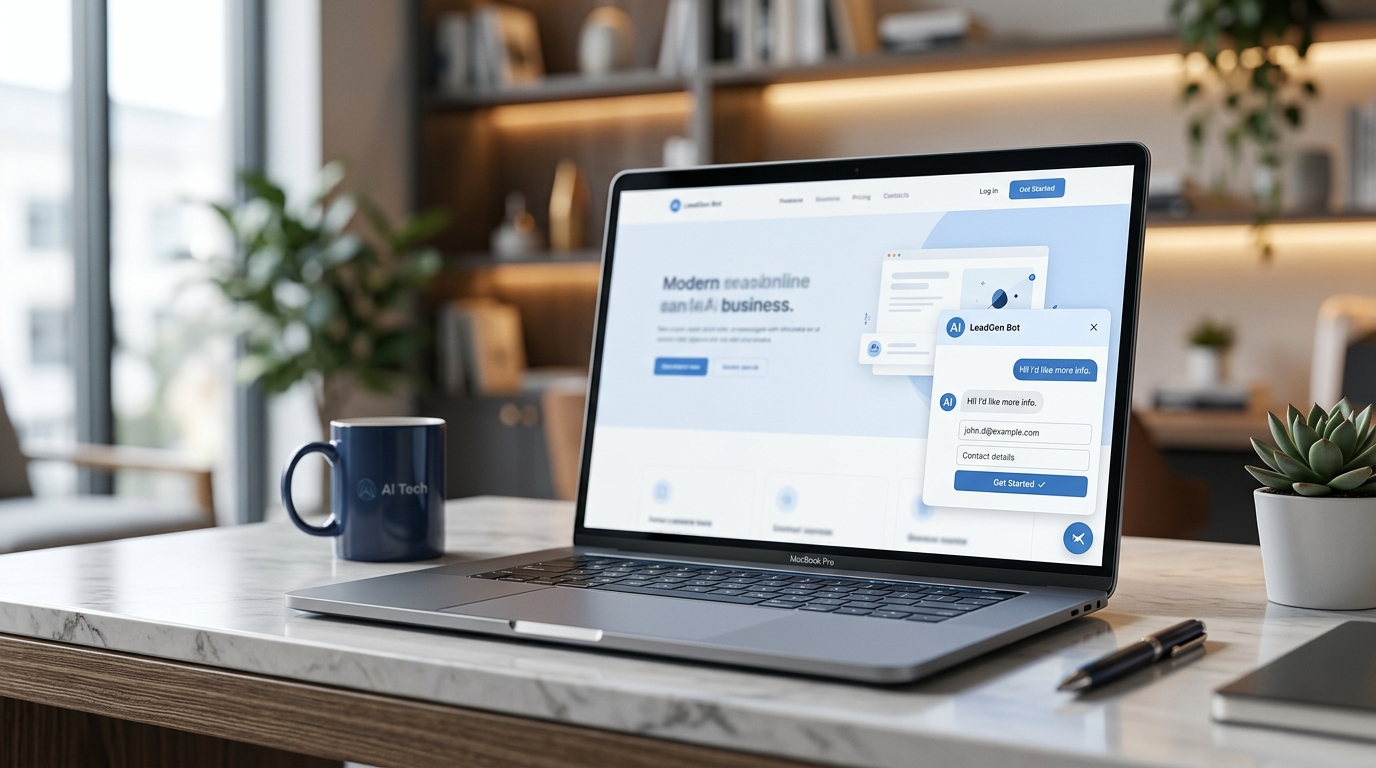
An AI chatbot turns a passive website into an interactive experience. It catches the user at the exact moment of high intent. The workflow for lead generation through a chatbot follows a distinct, psychologically effective pattern:
1. Proactive Engagement
Instead of waiting for the user to find the contact button, the chatbot offers immediate help. A subtle, friendly greeting like, “Hi there! Can I help you find a specific service or check our availability?” shows the visitor that support is just a click away.
2. Immediate Value (The Hook)
When a visitor asks a question, the AI provides an instant, helpful answer based on your specific business data. If they ask about parking, the bot tells them where to park. If they ask about pricing tiers, the bot provides the starting rates. By giving the visitor what they want immediately, the chatbot builds trust.
3. Conversational Conversion
Once the visitor is engaged and satisfied with the answer, the chatbot naturally pivots to lead capture. “I can have our team reach out to you with more details. What is the best phone number to reach you at?” This feels like a natural continuation of a helpful conversation, rather than a demanding data-entry task.
Structuring the Perfect Lead
A strong lead generation strategy isn’t just about collecting an email address and calling it a day. A raw email address is a weak lead. A strong lead provides context, allowing the business owner to follow up with a highly personalized, targeted response.
Different local businesses require different sets of data to effectively qualify a lead. A well-configured AI chatbot adapts to these specific needs.
Lead Capture by Industry
Consider how the lead capture process changes based on the niche:
- Beauty Salons: A salon doesn’t just need a name; they need to know the exact service. The chatbot will ask: “What service are you looking to book (e.g., haircut, coloring, manicure)?” and “What day works best for you?”
- Dental Clinics: Dentists need to prioritize urgency. The chatbot will ask: “Are you in pain right now, or is this a routine check-up?” and “Are you a new or returning patient?”
- Law Firms: Lawyers need to know if the case falls within their jurisdiction and specialty. The chatbot asks: “Can you briefly describe your legal issue?” and “When did this incident occur?”
By gathering these specific data points conversationally, the chatbot ensures that when the business owner receives the lead, they are fully prepared to close the deal.

Chatbots vs. Traditional Contact Forms
Business owners often ask: “I already have a contact form on my site. Why do I need a chatbot?” The answer lies in conversion rates and user experience.
| Feature | Traditional Contact Form | AI Website Chatbot |
|---|---|---|
| Response Time | Delayed. The user must wait hours or days for an email reply. | Instant. The user gets answers immediately. |
| User Effort | High. The user must type out their whole problem manually. | Low. The user chats naturally, step-by-step. |
| Engagement | Passive. Sits on a separate URL waiting to be found. | Active. Can welcome the user on any page. |
| Abandonment Rate | High. Users often abandon long forms half-way through. | Low. Conversational pacing keeps users engaged. |
Forms feel like work. Chat feels like a service. When a user chats, they feel heard. This micro-interaction dramatically increases the likelihood that they will leave their contact information.
The Anatomy of a Winning Chatbot Script
To generate leads effectively, the AI assistant must be trained to navigate the conversation without hitting dead ends. Here is an example of a successful lead-generation flow:
Visitor: “Do you do emergency plumbing repairs on weekends?” AI Chatbot: “Yes, we offer 24/7 emergency plumbing services, including weekends. Since this sounds urgent, I can send an immediate alert to our on-call plumber. What is your phone number?” Visitor: “555-0198” AI Chatbot: “Got it. And just so they know what to expect, what seems to be the main issue?” Visitor: “A pipe burst under the kitchen sink and it’s flooding.” AI Chatbot: “Understood. I have sent this directly to our dispatch team. They will call you at 555-0198 within the next 5-10 minutes. Please turn off your main water valve if you can.”
In less than 30 seconds, the chatbot provided vital information, collected a high-priority lead, gathered the exact context of the problem, and set a clear expectation for the follow-up.
Delivering Leads to the Business
Capturing the lead is only the first half of the equation. The second half is making sure the business can act on it rapidly. In local business, speed to lead is everything. If you call a lead back within 5 minutes, your chances of closing them are exponentially higher than if you call them the next day.
Modern AI assistants do not trap your leads inside a complex, standalone software dashboard that you have to remember to log into. Instead, they push the structured inquiry directly to your existing workflow.
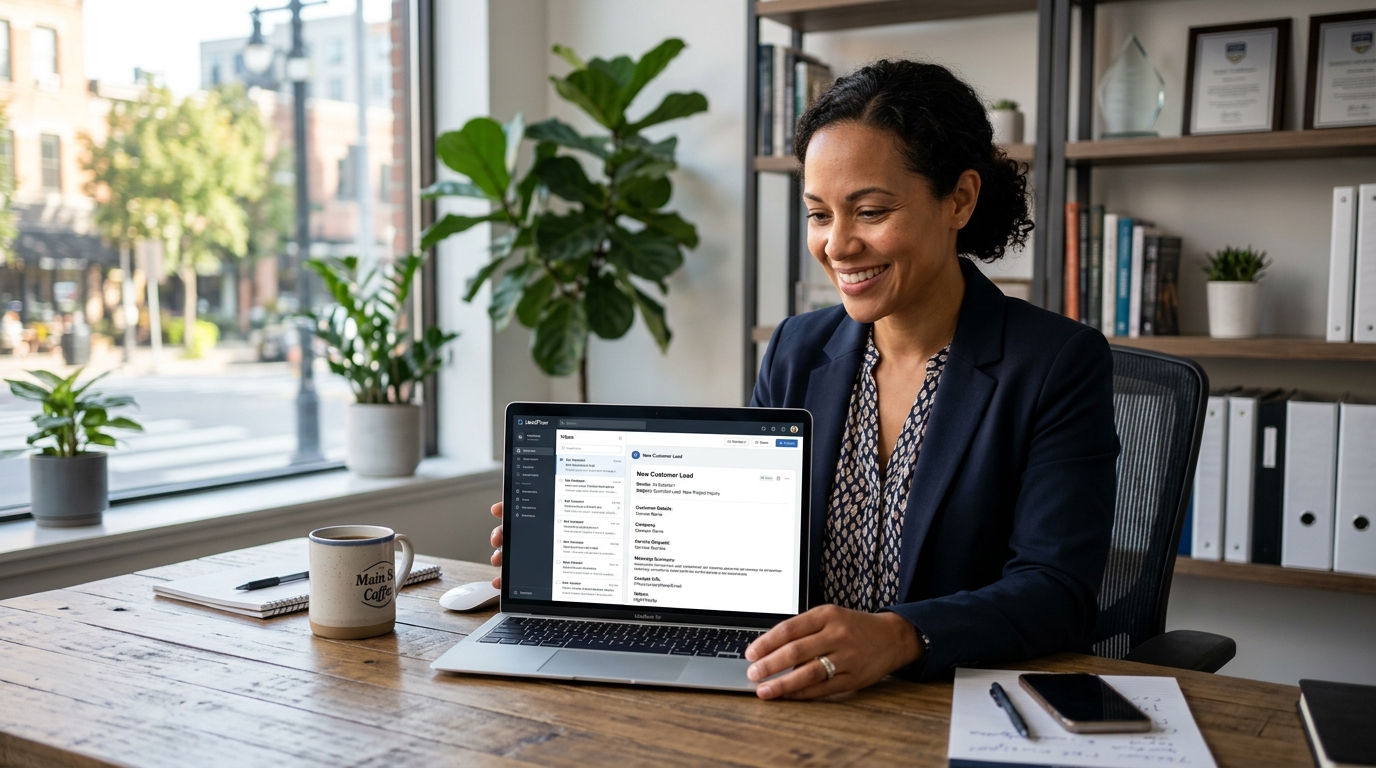
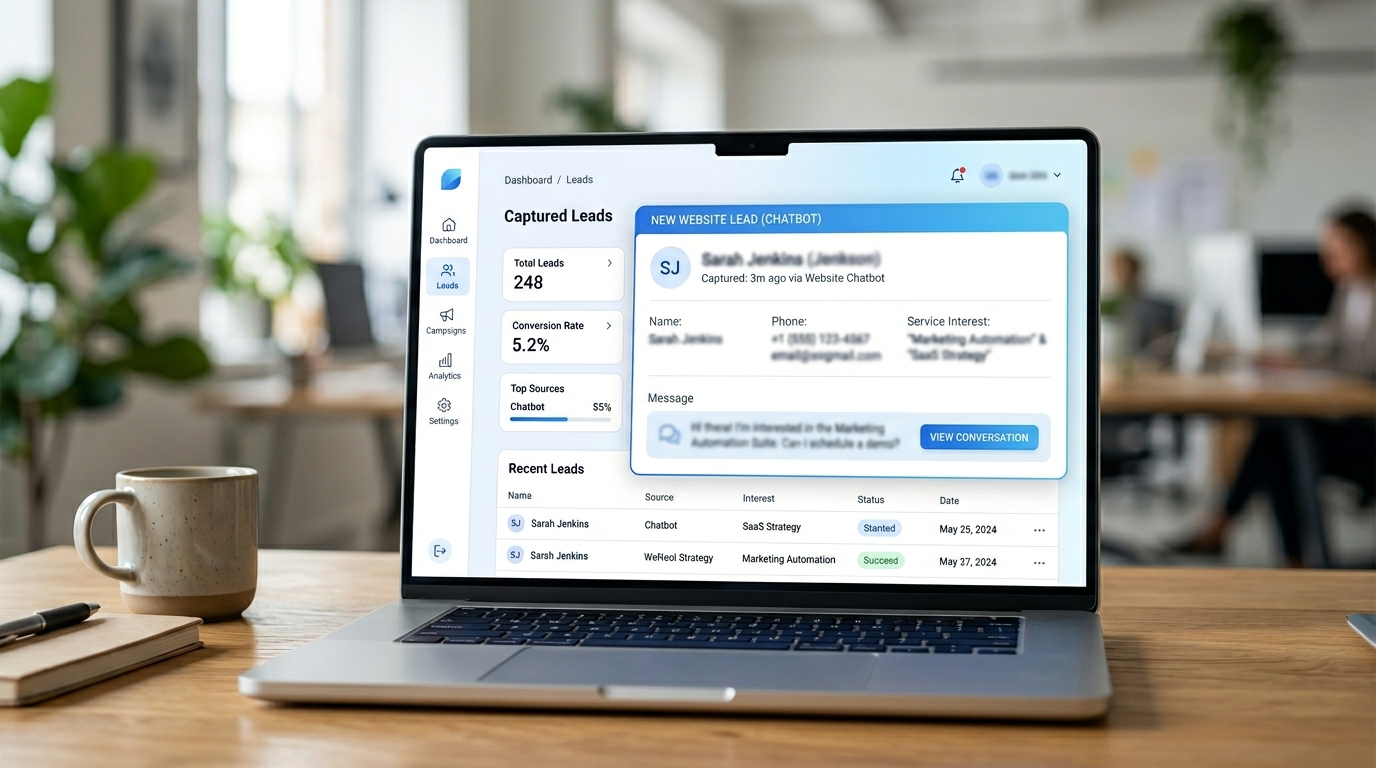
Typically, this means instant email delivery. When the business owner or manager opens their inbox, they see a clean, organized request:
- Name: Sarah Jenkins
- Phone: 555-0198
- Intent: Emergency Plumbing
- Details: Burst pipe under kitchen sink.
- Status: Expecting a call ASAP.
This format allows you or your team to reach out with a highly personalized response, completely bypassing the “discovery” phase of the sales call and jumping straight into solving the customer’s problem.
Best Practices for Chatbot Lead Generation
If you want to maximize the number of leads your chatbot generates, you need to follow a few core implementation rules:
- Don’t Hide the Bot: The chat widget should be visible on the homepage, service pages, and pricing pages. These are high-intent areas where visitors are most likely to have questions.
- Set Clear Boundaries: The AI should not pretend to be a human. It should clearly state that it is a virtual assistant designed to answer questions and connect the visitor with the human team.
- Don’t Overpromise: If the AI doesn’t know the answer, it shouldn’t guess. It should gracefully pivot to lead capture: “That’s a great question. I want to make sure you get the most accurate answer. If you leave your email, I’ll have our manager reply to you directly.”
- Keep Questions Minimal: Don’t ask for their home address, last name, and budget if you only need a phone number to call them back. Respect the user’s time.
Implementing This on Your Local Website
Adding an AI assistant for lead generation does not require a complete website redesign, nor does it require you to hire a team of developers. Modern chatbot solutions are designed to be plug-and-play. They sit securely on top of your existing web pages as a lightweight script.
To see exactly how this workflow can be set up for a local business, you can review how the Selvanto platform handles website chat, context gathering, and email delivery.
By shifting your website from a passive brochure to an active, conversational lead-capture engine, you stop losing the visitors who are interested but just need a little guidance to take the final step. You turn your website into a 24/7 digital receptionist that never sleeps, never takes a break, and always asks for the sale.
FAQ
Can a website chatbot generate real leads?
Yes. By answering questions immediately and asking for contact details in a conversational way, a chatbot can capture leads that would otherwise leave the site without taking action.
What details should a lead generation chatbot collect?
It should collect the visitor's name, phone number or email, the specific service they need, and a short message explaining their request to ensure the business has full context.
Do people actually use chatbots to leave their details?
Yes, especially if the chatbot provides a helpful answer first. Visitors prefer a quick chat over filling out a long, static contact form because it feels more responsive and less demanding.
Where do the generated leads go?
A good setup sends the structured lead directly to the business owner or manager via email or a CRM, so they can follow up quickly while the lead is still warm.
Is an AI chatbot better than a contact form?
For many local businesses, yes. A chatbot is interactive and guides the visitor step-by-step, whereas a contact form is passive and requires the visitor to do all the work.
Next step
If you are ready to see how an AI assistant can capture leads on your website, review the internal Selvanto guide.
Read about Selvanto