AI Chatbot for Restaurants: How to Turn Website Visitors Into Reservation and Order Inquiries
A practical guide for restaurants that want to use an AI website assistant to answer guest questions, collect reservations and capture more inquiries.
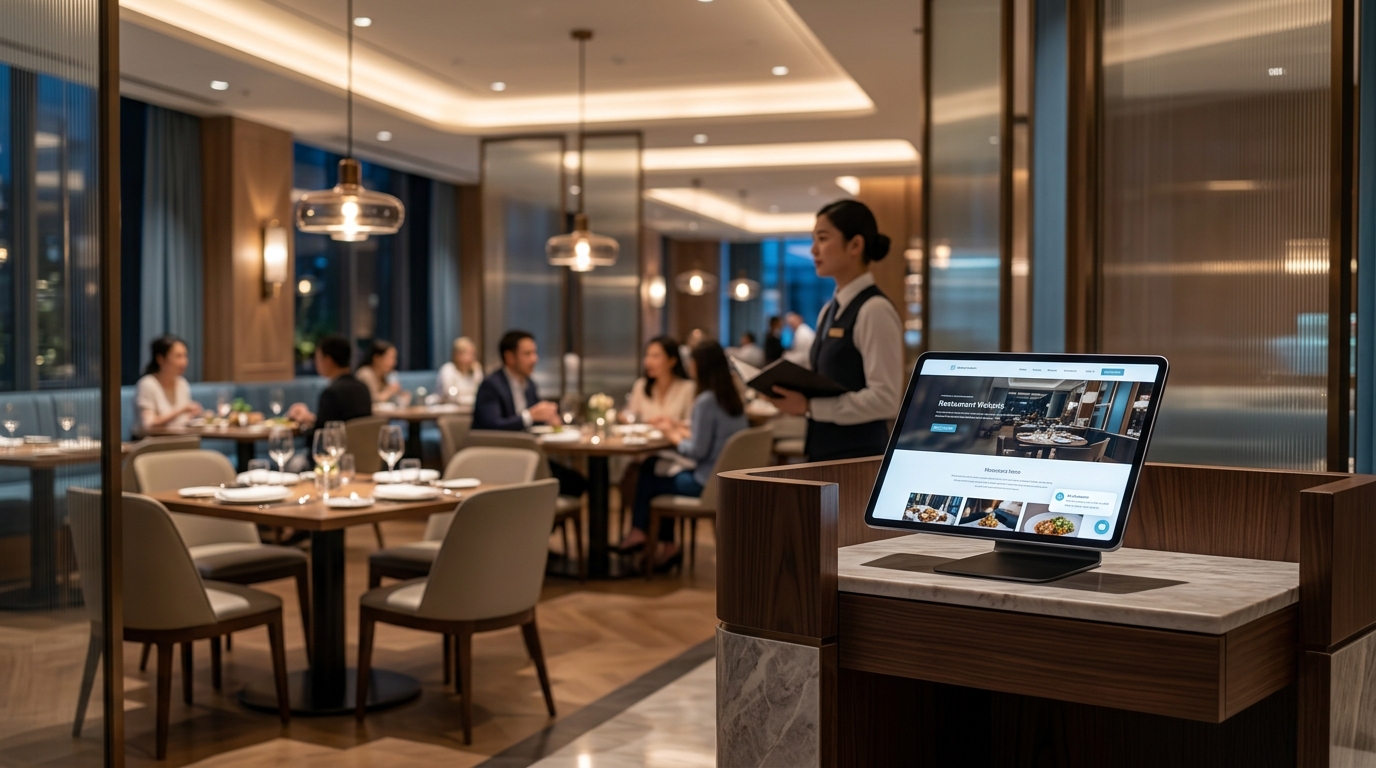
A restaurant website often gets visitors who are ready to take action but still have one or two questions. They want to know if a table is available, whether the restaurant accepts private events, what time the kitchen closes, whether there are vegetarian options, or how to contact someone quickly.
The problem is simple: many of those visitors leave before calling or filling out a form.
A connected article is AI Chatbot for Car Service Businesses.
An AI chatbot for restaurants can help by giving visitors a faster way to ask questions, collect useful details and send the request to the restaurant team. It does not need to replace staff. Its main job is to turn website traffic into structured inquiries that are easier to handle.
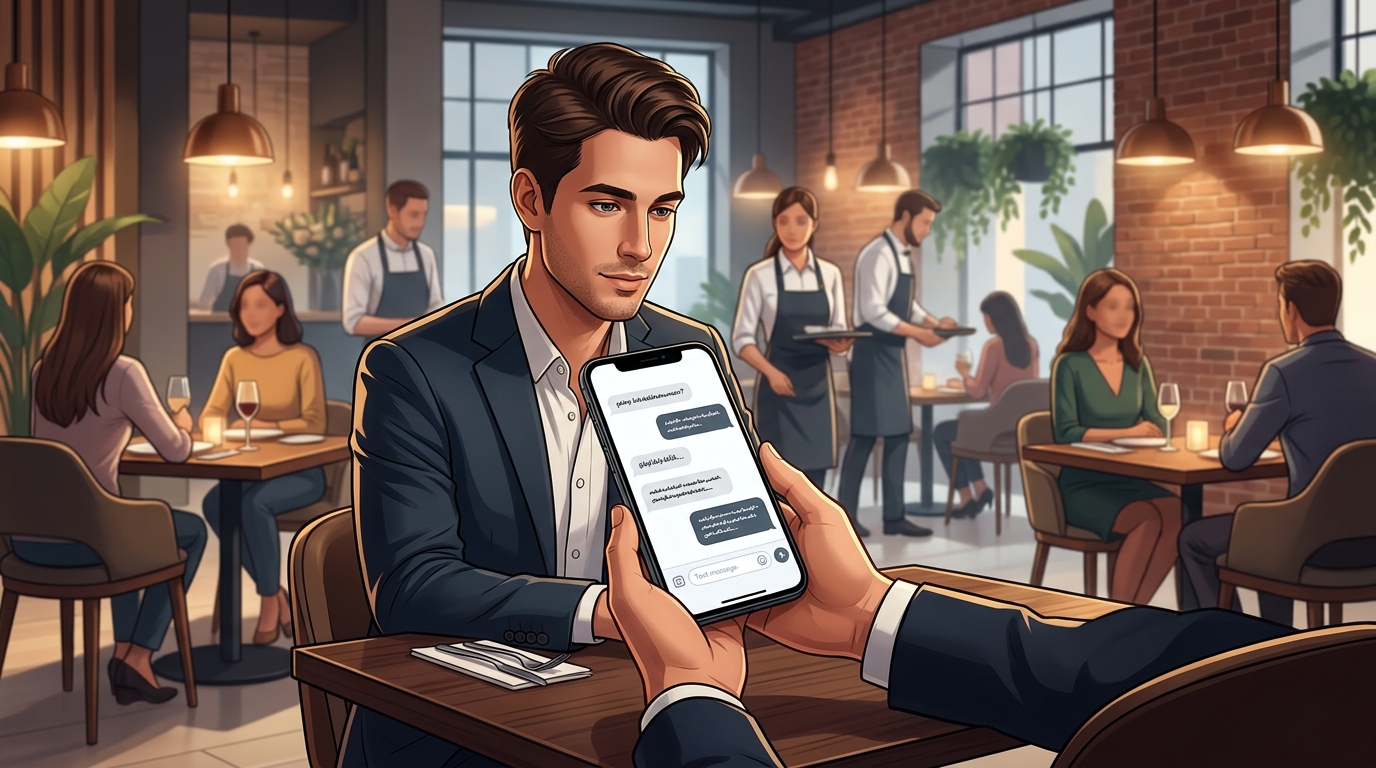
Why restaurants lose website inquiries
Restaurant websites usually have traffic from people with immediate intent. They may be searching on mobile, comparing several places, or trying to make a quick decision before dinner.
Common visitor questions include:
- Are you open tonight?
- Do you take reservations?
- Do you have outdoor seating?
- Can I book a table for six people?
- Do you have vegan or gluten-free options?
- Can I organize a birthday dinner?
- Do you offer catering or private events?
- Where are you located?
- Is parking available?
- Can I speak to someone?
A static contact page does not always help. A form feels slow. A phone call may not be convenient. A visitor may leave and choose another restaurant that gives a faster answer.
For a different angle, check AI Assistant vs Live Chat.
A website AI assistant gives the visitor a direct path: ask a question, get a helpful answer, leave contact details, and send the request.
What a restaurant AI chatbot should do
A restaurant chatbot should not try to do everything. It should focus on the most useful first-contact tasks.
The best use cases are:
- reservation inquiries
- private event requests
- catering requests
- menu and service questions
- opening hours and location questions
- delivery or pickup questions
- contact detail collection
- handoff to staff by email
The assistant should guide the visitor toward a clear next step. For example, if someone asks about a table for Friday night, the chatbot should collect the date, time, party size and phone number. If someone asks about a private dinner, it should collect event size, preferred date, budget range and message.
That is more useful than sending a vague message like “Someone will contact you.”
Reservation requests
For many restaurants, reservation inquiries are the most obvious use case.
A good restaurant chatbot can ask:
- What date would you like to visit?
- What time do you prefer?
- How many guests?
- Do you have any special requests?
- What is the best phone number or email for confirmation?
The assistant should be clear that the request is not fully confirmed unless the restaurant confirms it. This avoids creating false expectations.
A safe message can be:
“Perfect. I will send your reservation request to the restaurant team. They will confirm availability with you directly.”
This is useful because the restaurant receives a structured request instead of a random message with missing details.
Menu and service questions
Restaurant visitors often need quick answers before they decide to book.
The AI assistant can answer questions about:
- cuisine type
- opening hours
- lunch or dinner service
- outdoor seating
- vegetarian options
- gluten-free options
- kids menu
- parking
- takeaway
- delivery
- private rooms
- accepted payment methods
The important rule is that the assistant should only answer from information the restaurant provides. If the assistant is not sure, it should collect the visitor’s question and send it to the team.
This is especially important for allergy questions, event pricing, special discounts and availability.
Private events and group bookings
Restaurants can lose valuable leads when private event requests come in through weak forms or general email addresses.
A chatbot can qualify these requests better.
For private events, it can collect:
- event type
- preferred date
- number of guests
- preferred time
- food or drink requirements
- budget range
- contact name
- phone number
- short message
This gives the restaurant manager enough context to respond properly.
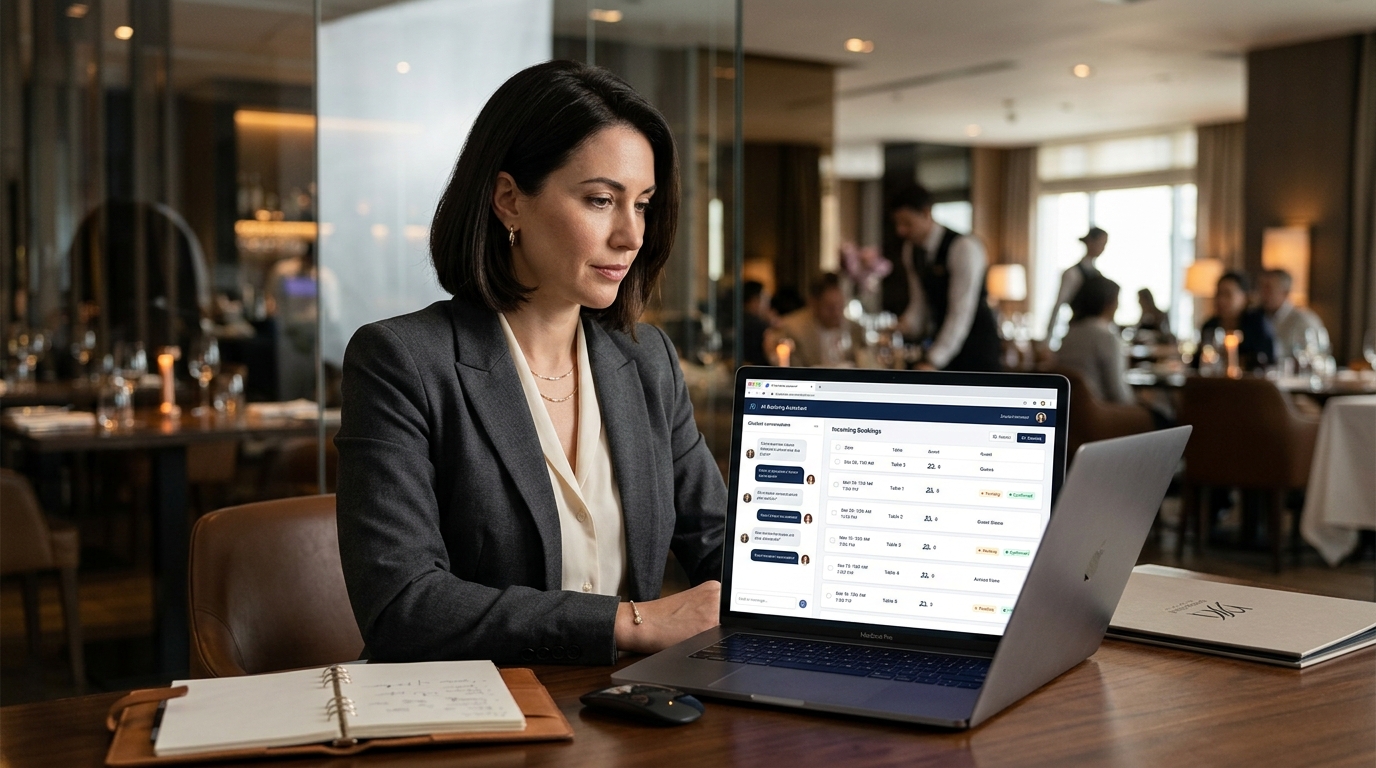
What customer details should be collected
A restaurant chatbot should collect only details that are useful for follow-up.
For a normal reservation request, useful fields are:
| Detail | Why it matters |
|---|---|
| Name | Staff know who the request belongs to |
| Phone number | Fast confirmation |
| Backup contact method | |
| Date | Needed for booking |
| Time | Needed for booking |
| Party size | Helps check availability |
| Special requests | Seating, allergies, occasion or accessibility needs |
For private events, the assistant can ask a few extra questions:
| Detail | Why it matters |
|---|---|
| Event type | Birthday, company dinner, wedding, private party |
| Guest count | Helps estimate space and staff needs |
| Budget range | Helps prepare a realistic offer |
| Food preferences | Useful for menu planning |
| Message | Lets the visitor explain the request |
The goal is not to ask too many questions. The goal is to collect enough information so the restaurant can reply faster.
Chatbot vs contact form
A contact form is passive. It waits for the visitor to know what to write.
An AI assistant is interactive. It can guide the visitor through the request step by step.
For restaurants, this matters because visitors often do not know exactly what information staff need. They may simply write:
“Do you have a table tomorrow?”
That message is not enough. Staff still need the time, number of guests and contact details.
A chatbot can turn that same visitor into a complete inquiry:
- Date: tomorrow
- Time: 7:30 PM
- Guests: 4
- Request: indoor table
- Phone: provided
- Name: provided
That is easier for the restaurant to handle.
How the restaurant receives the lead
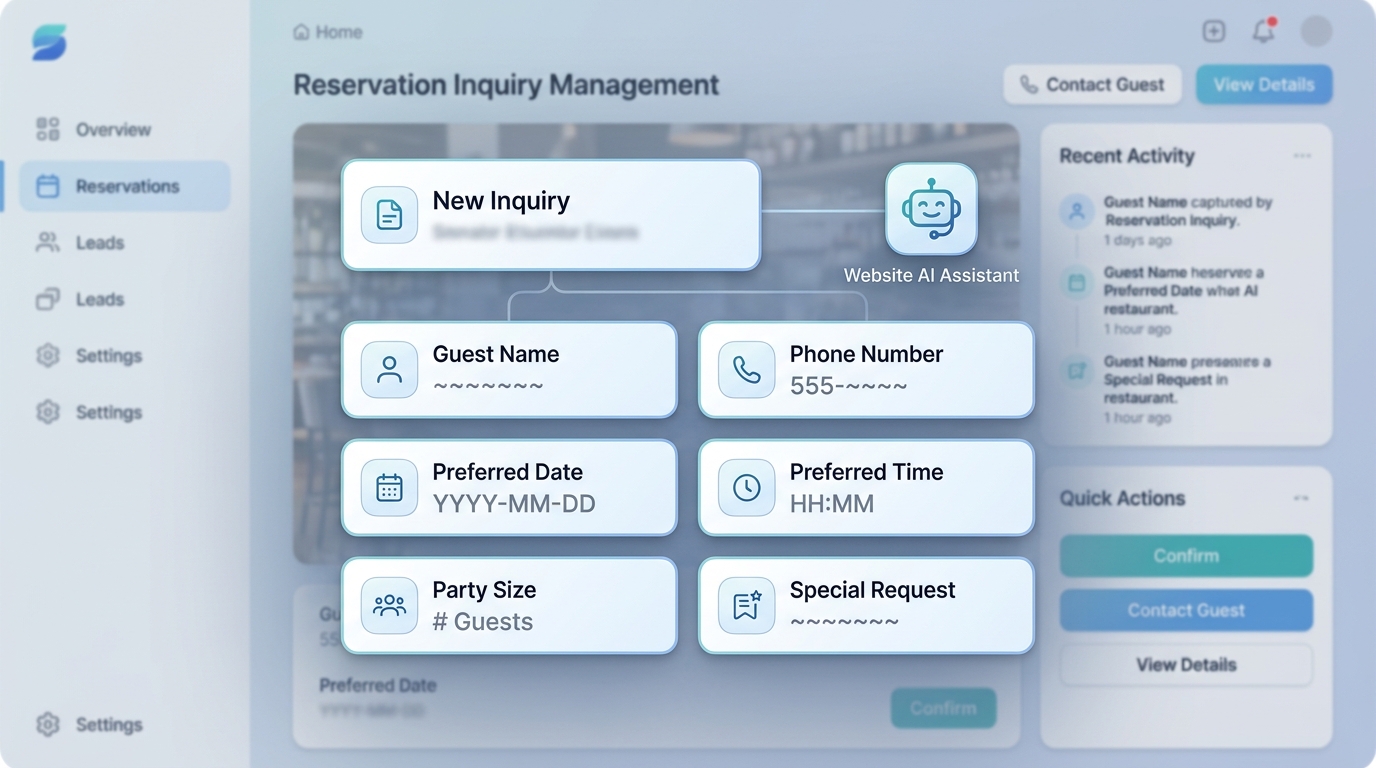
The AI assistant should send the inquiry to the restaurant in a clean format.
For example:
New reservation request
- Name: Sarah
- Phone: +1 555 123 4567
- Date: Friday
- Time: 7:30 PM
- Guests: 4
- Special request: quiet table if possible
- Message: First visit, looking for dinner reservation
This can be delivered by email, CRM, or another internal workflow depending on the setup.
For many small and local restaurants, email delivery is enough. The important part is that the request arrives with clear details.
For a broader explanation of this workflow, read the guide on website chatbot lead generation.
Where an AI assistant fits on a restaurant website
A restaurant website should not hide the assistant too deep.
Useful placements include:
- home page
- menu page
- reservation page
- private events page
- contact page
- catering page
- mobile view
The assistant should feel like a helpful layer, not an aggressive popup. It should open naturally, answer questions, and invite the visitor to leave details only when it makes sense.
A good opening message could be:
“Hi. I can help with reservations, menu questions, private events or general inquiries. What would you like to know?”
This is better than forcing the visitor into a form immediately.
Practical example
Imagine a visitor lands on a restaurant website after searching for a place for a birthday dinner.
They ask:
“Can I book a table for 10 people this Saturday?”
The AI assistant can respond:
“We can send a request to the restaurant team. What time would you prefer?”
Then it collects:
- preferred time
- name
- phone number
- special requests
- whether it is a birthday or regular dinner
The restaurant receives a complete request and can reply quickly.
Without the assistant, the visitor might call during a busy service hour, send an incomplete message, or leave the site entirely.
Common mistakes
A restaurant chatbot works best when it is practical and controlled. The biggest mistakes are usually simple.
Mistake 1: pretending every request is confirmed
The chatbot should not say “Your booking is confirmed” unless it is connected to a real booking system with live availability.
A safer message is:
“Your request has been sent. The restaurant team will confirm availability.”
Mistake 2: asking too many questions
Long forms kill intent. The assistant should ask only what is needed.
For a reservation, it does not need a long biography. It needs name, contact, date, time and party size.
Mistake 3: giving uncertain menu or allergy answers
If allergy or ingredient information is not verified, the assistant should not guess. It should collect the question and send it to staff.
Mistake 4: using generic chatbot replies
A restaurant assistant should sound like it belongs to a restaurant. It should understand reservations, tables, guests, menu questions, events and opening hours.
Mistake 5: hiding the next step
The visitor should always know what happens next:
- request sent
- restaurant will reply
- phone or email confirmation expected
- no automatic confirmation unless stated
When this works best
An AI chatbot is especially useful for restaurants that receive website traffic but lose inquiries because visitors do not take the final step.
It works well for:
- restaurants with busy phone lines
- restaurants that host private events
- restaurants with many menu questions
- restaurants that want more structured reservation inquiries
- restaurants with catering services
- local restaurants that depend on mobile visitors
- restaurants that want to improve response speed
It can also work alongside pages for other local businesses. For example, similar workflows can help beauty salons collect appointment requests, dental clinics collect patient inquiries, and law firms collect consultation requests.
What to prepare before adding a chatbot
Before adding an AI assistant to a restaurant website, prepare the basic information it should know.
Useful inputs include:
- opening hours
- address
- phone number
- reservation rules
- menu highlights
- private event policy
- catering information
- delivery or pickup information
- common questions
- preferred lead delivery email
- what the assistant should not promise
This makes the assistant more reliable and more useful.
How Selvanto fits this workflow
For restaurants that want this type of website assistant, Selvanto is the internal guide to understand the practical implementation. The idea is simple: the assistant appears on the website, answers visitor questions, collects lead details and sends the inquiry to the business.
You can also visit the main product website at Selvanto.com or open the Selvanto demo to see how an AI assistant can work as a lead capture layer on a business website.
Final thoughts
A restaurant AI chatbot should not be treated as a toy or a generic chat window. Its value comes from helping visitors take action.
The best restaurant assistant answers common questions, collects reservation details, qualifies private event requests and sends structured inquiries to the team. That can reduce missed opportunities and make website traffic more useful.
For restaurants, the goal is not to automate hospitality. The goal is to make the first step easier for the guest and clearer for the business.
FAQ
Can an AI chatbot collect restaurant reservation requests?
Yes. It can collect the guest name, phone number, preferred date, time, party size and special requests before sending the inquiry to the restaurant.
Can a restaurant chatbot answer menu questions?
Yes. It can answer common menu, opening hours, location, booking and service questions if that information is provided to the assistant.
Should a restaurant chatbot replace staff?
No. It should help handle first-contact questions and collect structured inquiries so staff can follow up faster.
Can an AI assistant help with private events or catering requests?
Yes. It can ask for the event date, number of guests, budget range, contact details and a short description of the request.
What should a restaurant chatbot avoid?
It should avoid confirming availability, discounts or special arrangements unless the restaurant has clearly configured those rules.
Next step
If you want to see how this type of assistant can work on a real business website, start with the internal Selvanto guide first.
Read about Selvanto